MCP
Create a finished ad inside
Claude
/
ChatGPT
Claude
ChatGPT
MCP
CLI
1
Copy the URL
https://mcp.higgsfield.ai/mcp
OR
Try one click install
Add Notch to Claude
2
Go to Claude → Customize
In Claude desktop or claude.ai, go to Customize → Connectors. Name it Notch AI and paste the URL
Open Claude Customize
3
Connect, sign in and start
Sign in with your notch account, then ask Claude to generate an image or video
Once connected, try:
“Create a 30-second UGC ad for this product: mystore.com/serum. Give me three hooks, then let me approve the script and avatar before you render.”
How does Notch MCP work?
Give your connected Claude chat a brief. Notch plans, generates, and sends the finished video back into the conversation.
Credit rewards
Sleep testimonial
Faux tree reveal
Home value POV
Doodle explainer
Claude
You
Make a 9:16 ad for Rootless Plants that reveals why guests assume its premium faux tree is real.
NOTCH MCP
I’ll lead with the fooled-you reveal, use the warm room and realistic detail as proof, and close with a natural invitation to find the right tree.
Notch is preparing your generation
Generate a vertical faux-tree reveal with a host hook, warm styled home, close-up realism proof, and a soft shop-the-collection CTA.
Product reveal
9:16
Lifestyle
Captions

▶
Notch video generation
Generate a vertical faux-tree reveal with a host hook, warm styled home, close-up realism proof, and a soft shop-the-collection CTA.
Product reveal
9:16
Lifestyle
Captions
NOTCH MCP
Your faux-tree reveal is complete in Notch, ready to test against other room and realism proof angles.

Start with a proven prompt
Choose a specific starting point and we'll open it in Claude with the prompt ready.
Image ads
Video ads
Analysis
Planning
Create three 4:5 static image ads for https://your-product.com. Give each a different benefit-led hook, use my brand guidelines, and show me the concepts before generating. Notch MCP
Benefit-led image ad
Try in Claude
Find my best-performing static ad and create three variants. Preserve the winning structure, but test a new hook, offer, or product benefit in each version. Notch MCP
Make a winner variant
Try in Claude
Create three 4:5 static ads for https://your-product.com around my current offer. Make the offer immediately clear, keep the design on-brand, and give each ad a distinct visual approach. Notch MCP
Create a seasonal offer
Try in Claude
What you can do from chat
01
One prompt to one finished ad
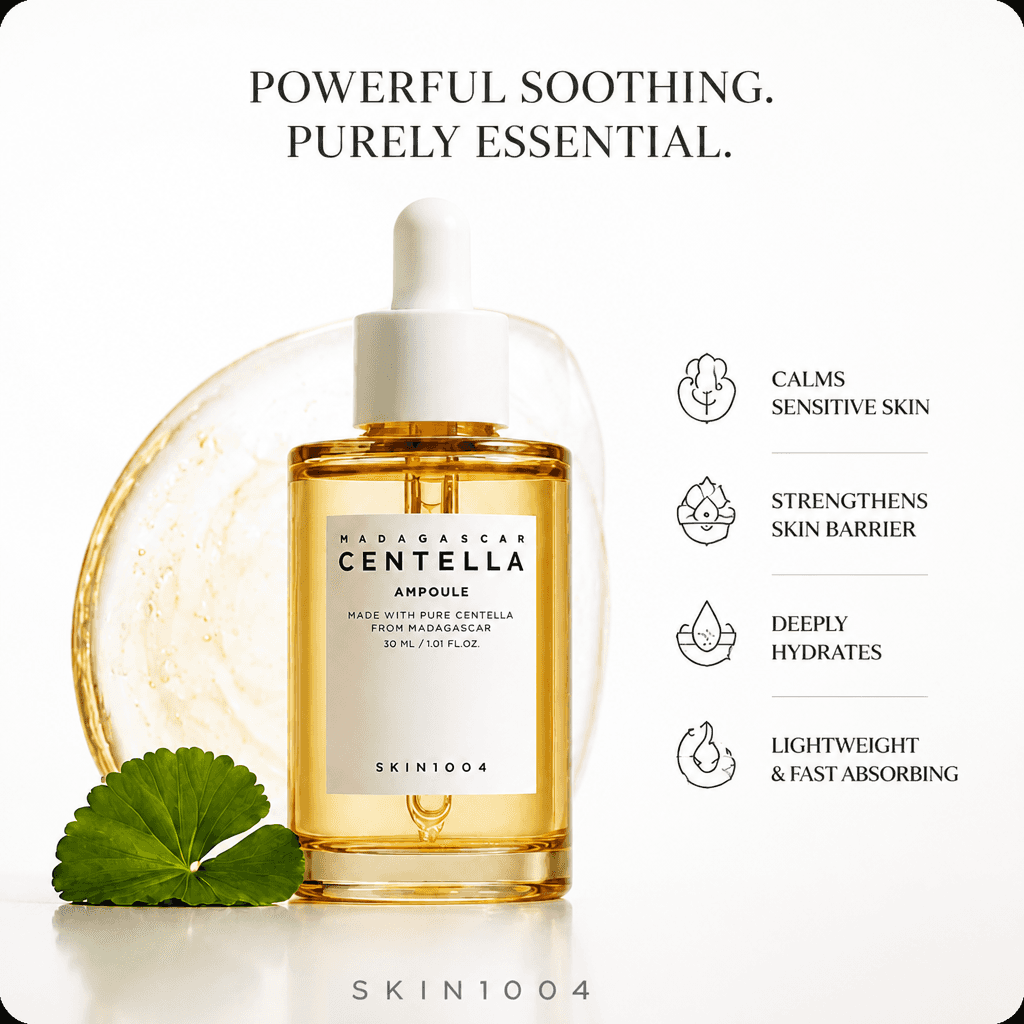
Share a product page and brief. Notch handles the script, avatar, voiceover, footage, captions, and edit for a UGC video, product demo, or static ad.
You
Script v1
2.4 MB
Here is the script. Generate static ads as well as the UGC video based on the script.
Connecting to Notch MCP
Analyzing the script
Notch is generating your variations
Based on the script, here are four static ad variations each with a unique hook and visual approach along with the UGC video



02
Approve the important choices
Review hooks, the script, avatar, first frames, and scene clips in chat before generation continues.
I've analyzed the script, Two hooks stand out for short-form video. I've generated two high-fidelity video variations; one leads with the unboxing reveal, the other with a lifestyle hook.
Both are ready for your review — approve to continue, or dismiss to try a different angle.


Approve
Dismiss
Write a message...
Opus 4.8
High
03
Keep every ad in Notch
The finished ad saves to your workspace for editing and export, while its download link returns to the conversation.
Projects


Ad 1
Centella Serum C..

Ad 2
Clothing UGC


Ad 3
Hot Sauce Cam...
Ads 2026 workspace
Ads 2025 workspace
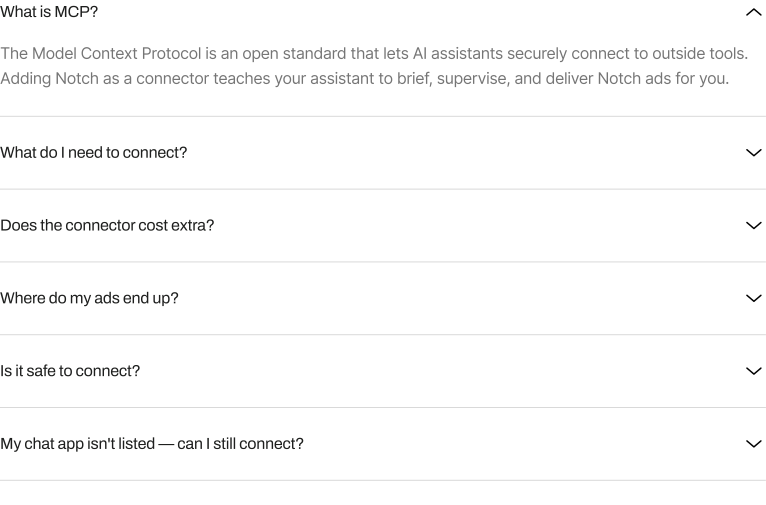
Your questions,
answered

Need help connecting Notch?
We'll connect your preferred AI chat and help you create your first ad in a free 30-minute call.
Book a free setup call
Product
Ad agent
Notch MCP
Pricing
Resources
About
Program
Socials
Tiktok
X (Twitter)
Product
Customers
Pricing
Resources
Book a demo
Get started